
See what your sound system is doing, then fix it
Measure, align and EQ a sound system in Chrome or Edge, or install Align on your PC like an app.
0:59 video
The working
RTA with spectrograph
SPL meter: LAeq, LCeq, LZeq and peaks
Transfer function that finds the delay for you
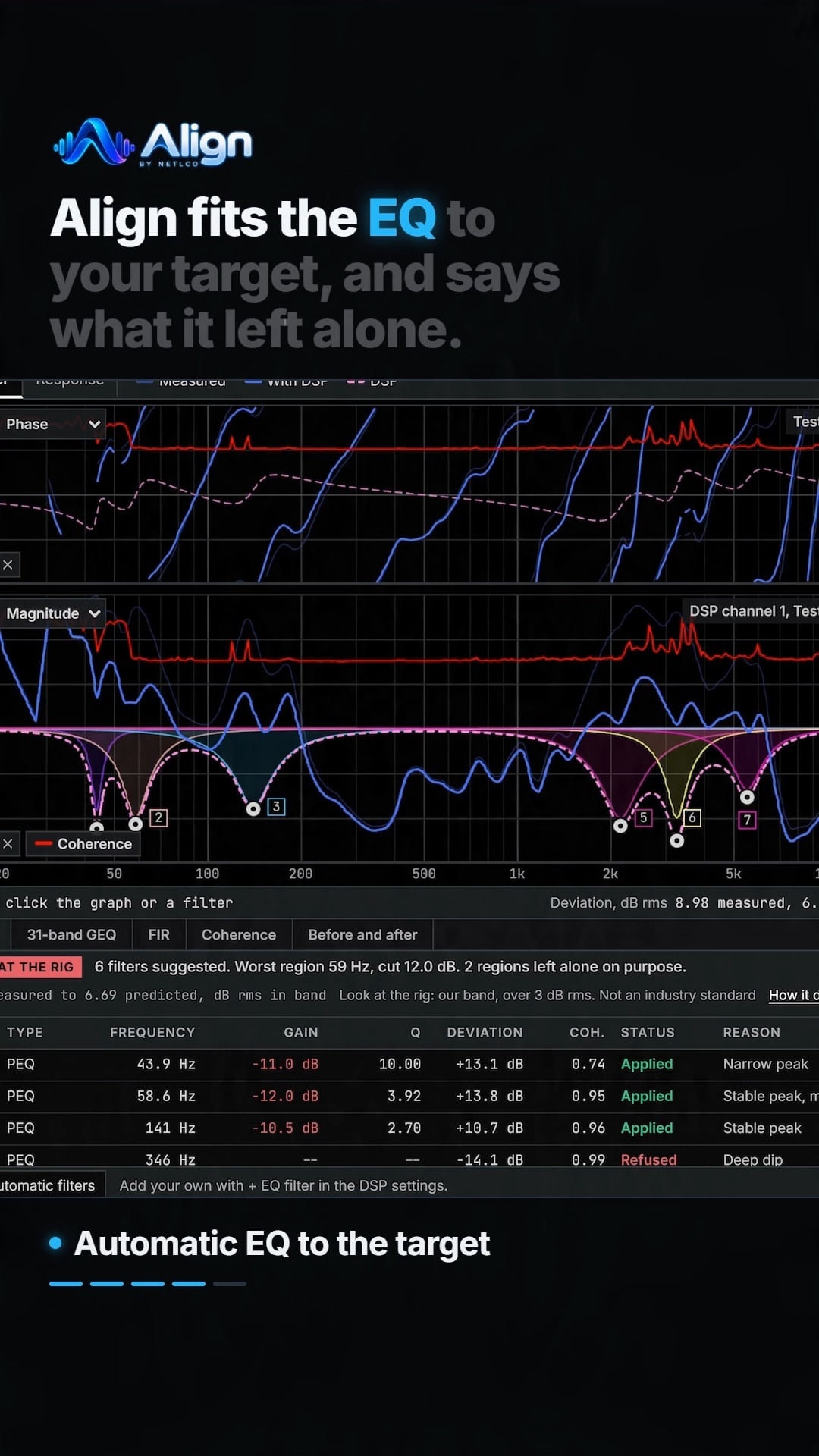
Auto EQ: it suggests, you decide
Auto Phase: lines up your sub and low mids from two traces
Auto Crossover: finds the best sub-to-mains crossover from your traces
Sub map: see where your subs cancel in the crowd
Feedback finder: finds the ring and how much to cut on your mixing board
Show SPL, all night long, with a one-page report
Speaker limiter settings that protect your drivers
Available in 6 languages: English, Spanish (Español), Portuguese (Português), French (Français), Japanese (日本語) and Korean (한국어)
Screens: Align running in Chrome on a test signal. The EQ and speaker limiter screens use Align's built-in worked examples, and Auto Phase runs on two example traces.
More questions
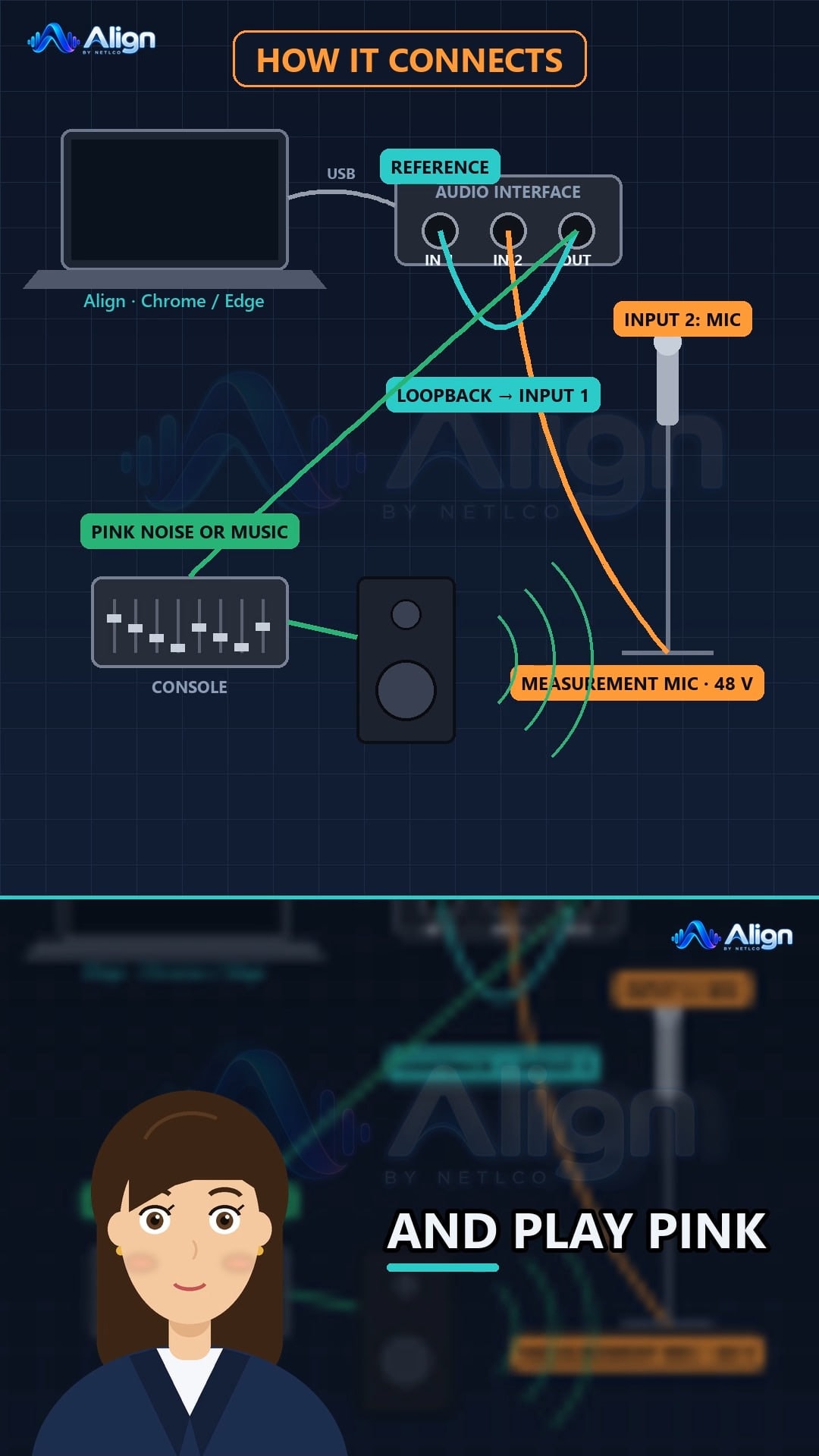 0:57A whole measurement rig in one appRuns in Chrome or Edge, or installed on your PC.
 0:30What Align does, in one minuteOpen it in Chrome or Edge on a computer, connect your interface and measurement mic, and measure, align and EQ your system. What you measure stays on your computer.
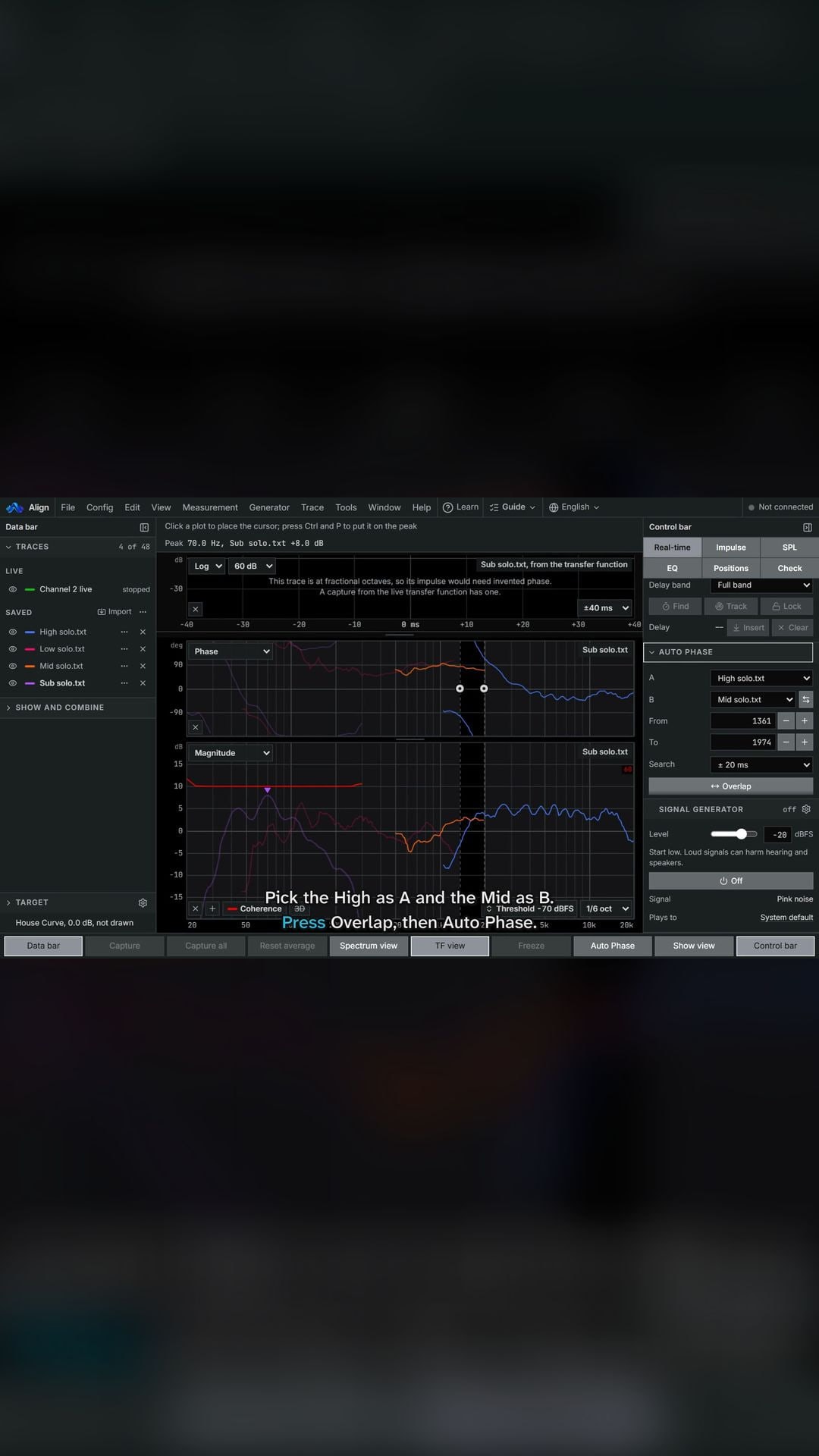 2:19A full 4 way tune by hand, start to finishAuto Phase pair by pair, each delay into its DSP channel, EQ each band. Auto EQ comes last, with the whole system playing live.
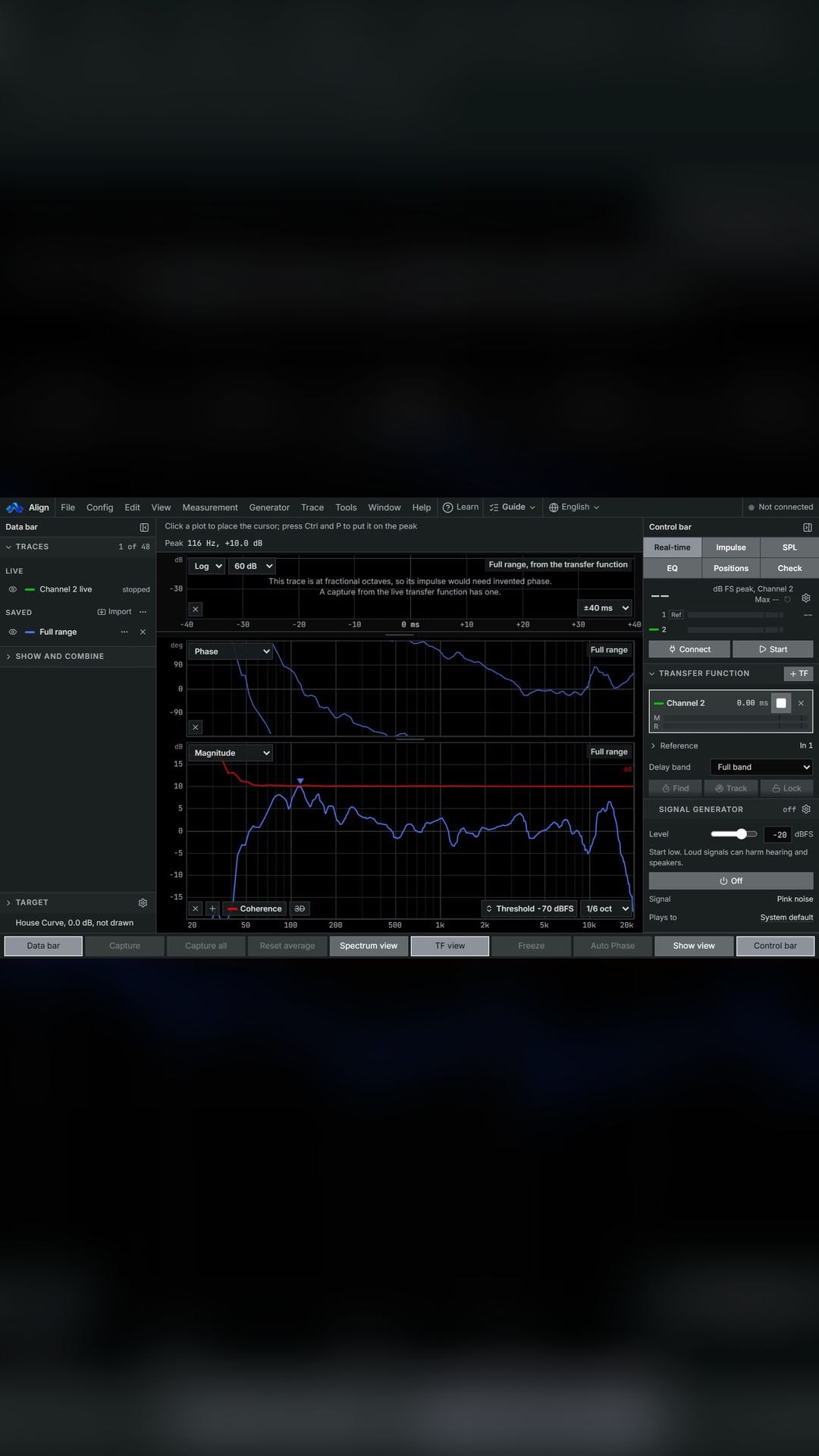 1:30Auto EQ on a full range speakerImport the trace, let Auto EQ fit the filters, and see the corrected result.