
A whole measurement rig in one app
Runs in Chrome or Edge, or installed on your PC.
0:57 video
The working
How it connects:
- Measurement mic → your audio interface, input 2
- Loop the interface's output back into input 1: that's your reference, the exact signal you send
- Send the same output to your console, and play pink noise or music
Align compares the two: what you sent and what the mic heard. That's the transfer function. It finds the delay and shows level, phase and coherence, live.
Then it does the work:
- Auto EQ suggests filters
- Auto Phase lines up the bands
- Auto Crossover sets the crossover
- Sub Map plans the subs
- Limiters protect the drivers
- Feedback finder rings out before the show
Hear it first: before anything goes into your processor, Align's built-in DSP lets you hear the correction. Switch it on and off, and trust your ears.
It suggests. You decide.
More questions
 0:59See what your sound system is doing, then fix itMeasure, align and EQ a sound system in Chrome or Edge, or install Align on your PC like an app.
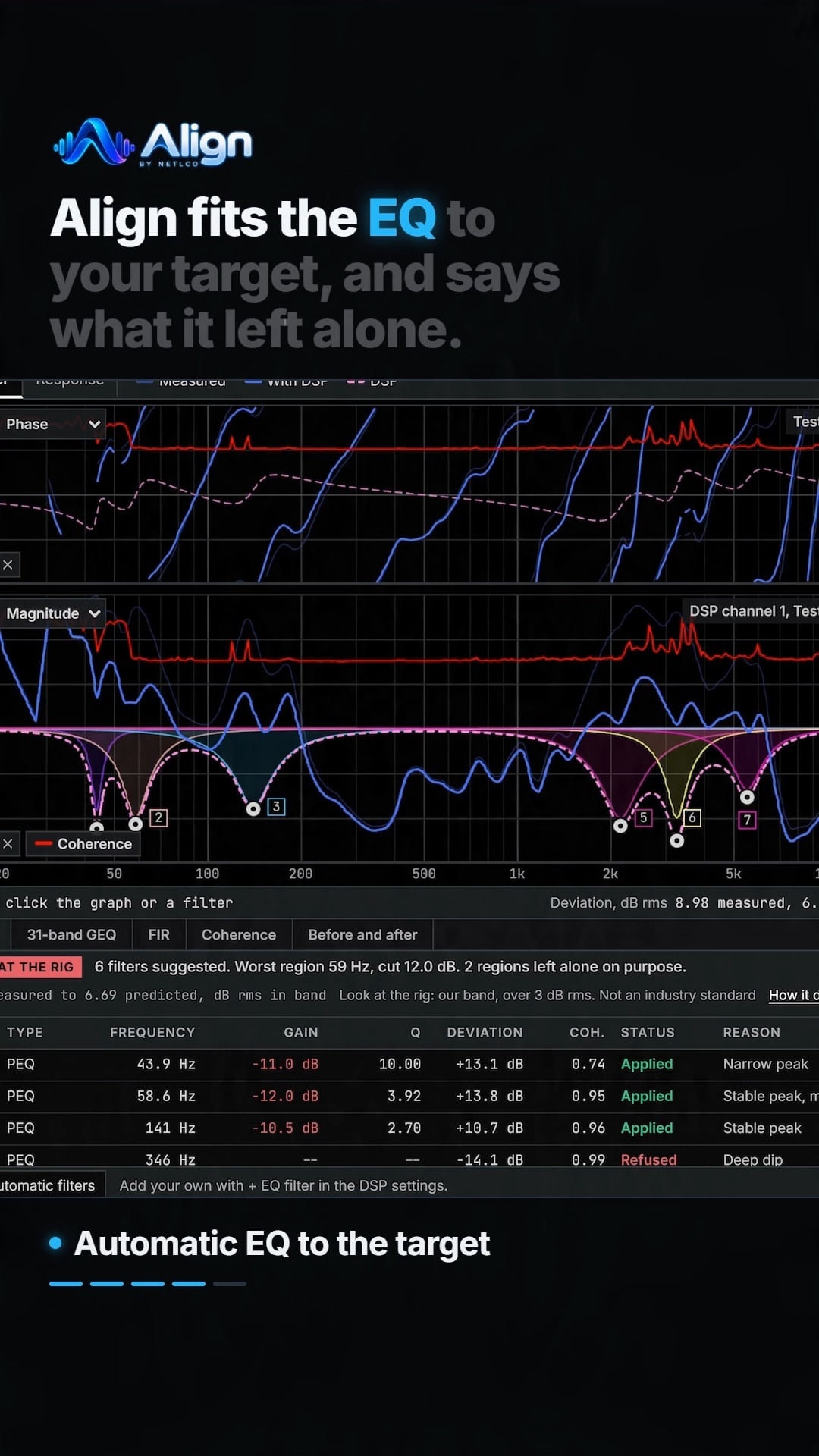 0:30What Align does, in one minuteOpen it in Chrome or Edge on a computer, connect your interface and measurement mic, and measure, align and EQ your system. What you measure stays on your computer.
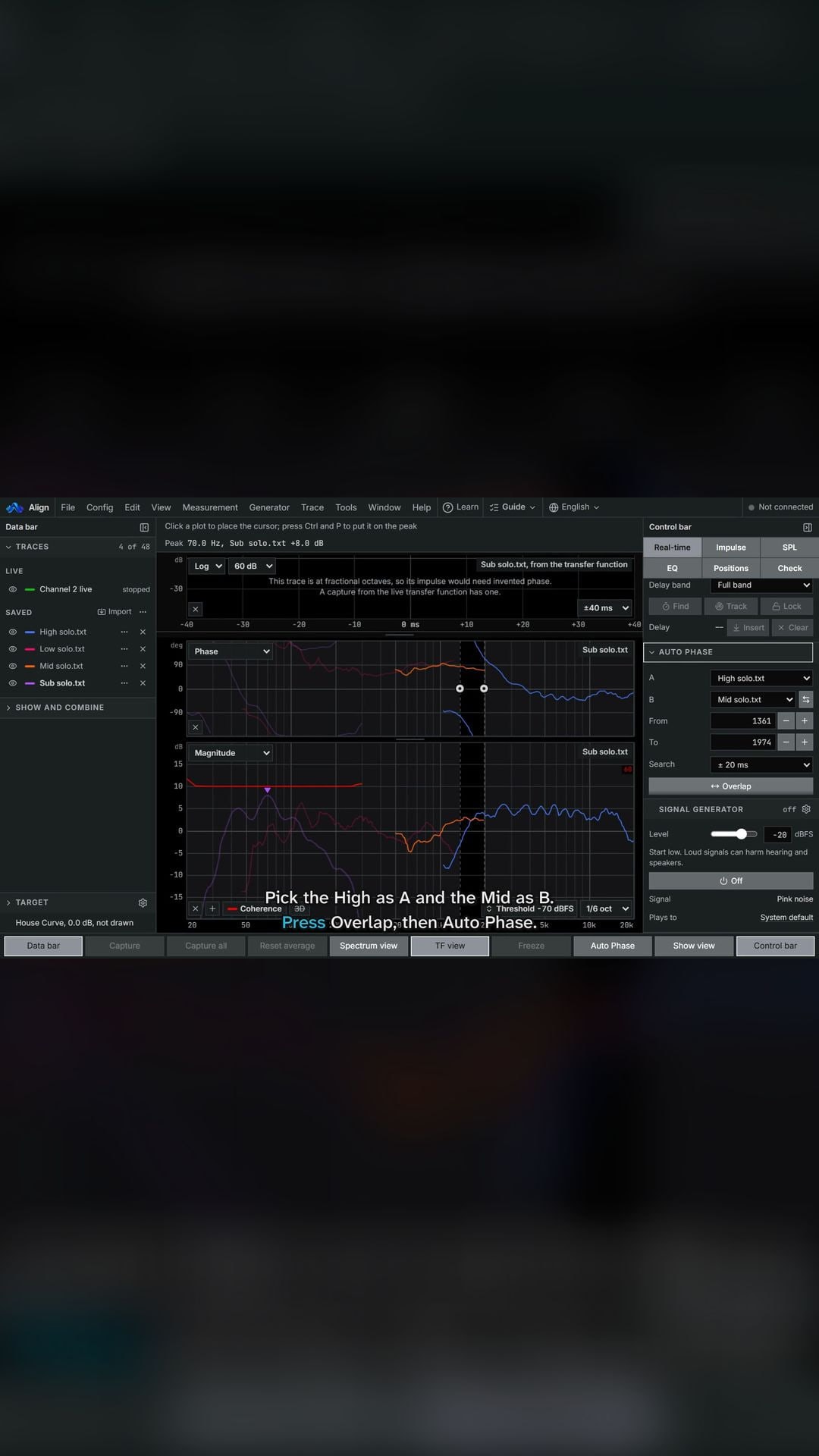 2:19A full 4 way tune by hand, start to finishAuto Phase pair by pair, each delay into its DSP channel, EQ each band. Auto EQ comes last, with the whole system playing live.
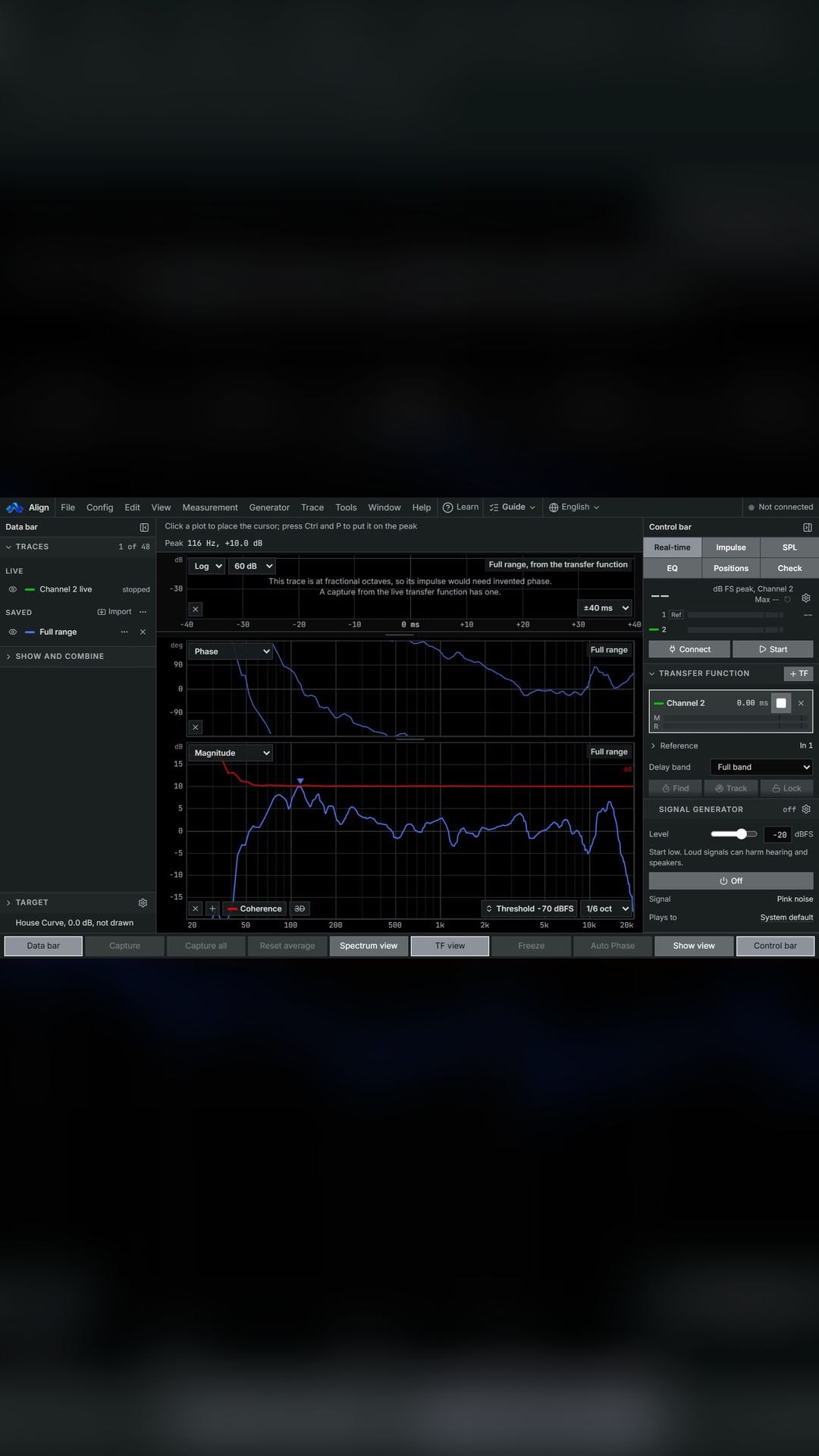 1:30Auto EQ on a full range speakerImport the trace, let Auto EQ fit the filters, and see the corrected result.