Skip to content
Align by NETLCO
Sign in

What it does

One instrument for the whole tuning

Laid out the way a system engineer already works, with menus, a Data bar, a Control bar and the generator always to hand. Each screen below is named as you will find it inside. All 11 tools have a page each.

Real-time

Measure live

Pro measures the transfer function, its magnitude, phase and coherence, from an interface and a measurement microphone.

  • Up to 16 inputs at once, and a live average across them, phase included
  • A delay finder that tracks and follows a moving microphone
  • Three-channel: the processor, the room and the total
  • RTA, spectrograph and pink noise are free; the rest of this list, and white, M-Noise, pulse, tone and sweep, come with Pro
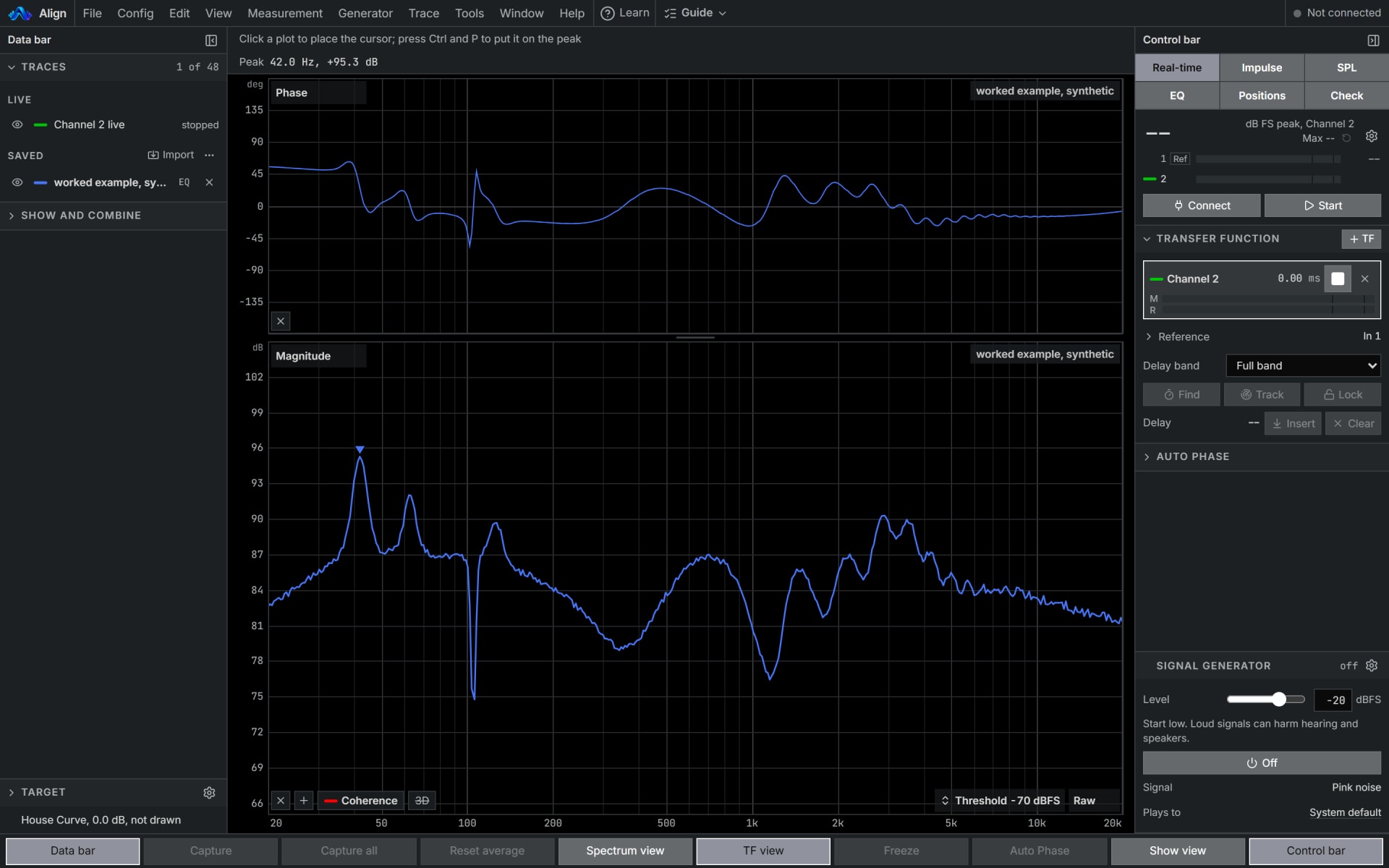
Align's Real-time screen with the worked example as a saved trace: its phase and magnitude, the Data bar with the target and the traces on the left, and the Control bar with the transfer function and the generator on the right.
Real-time

Tools, Sub map

Plan the subs before the show

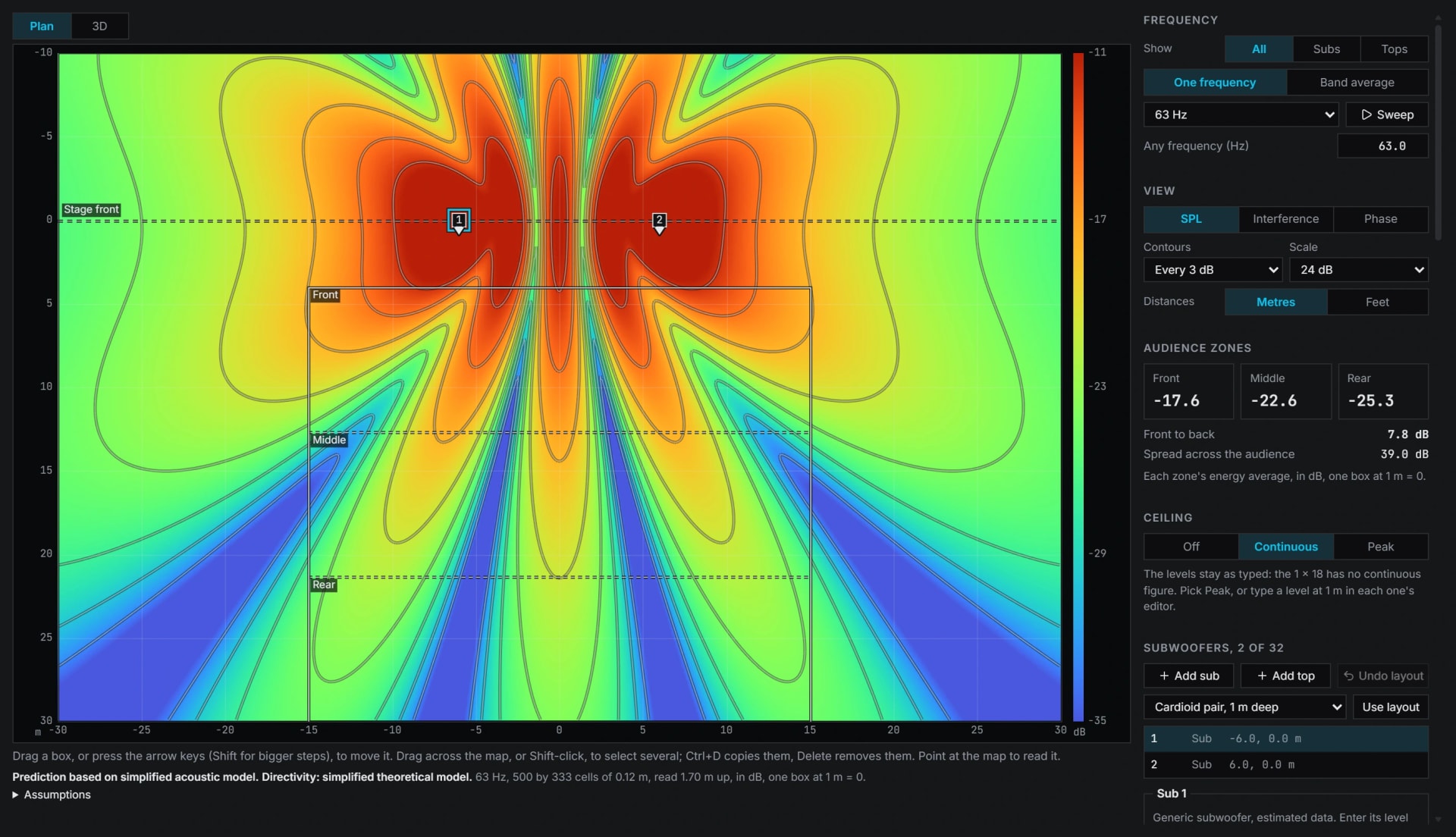
Pro sums subs and tops on a stage as pressure, from each box's arrival, delay, polarity and filters. Auto delay and polarity then lines the subs up with each other, by the way they face or the ones you pick. It never moves the tops and may move every sub later or turn some round, so check subs against tops after it.

  • Each sub size's low end and ceiling, every figure naming where it came from
  • A measured sub as every box, and the subs at a microphone sent to the Sum
  • A 3D view and a one page engineering report
Align's Sub map: two subs at 63 Hz on a plan coloured from quiet to loud with a contour every 3 dB, the level in each audience zone beside it, and the boxes listed below.
Sub map

Tools, Speaker limiter

Set the limiters from the ratings

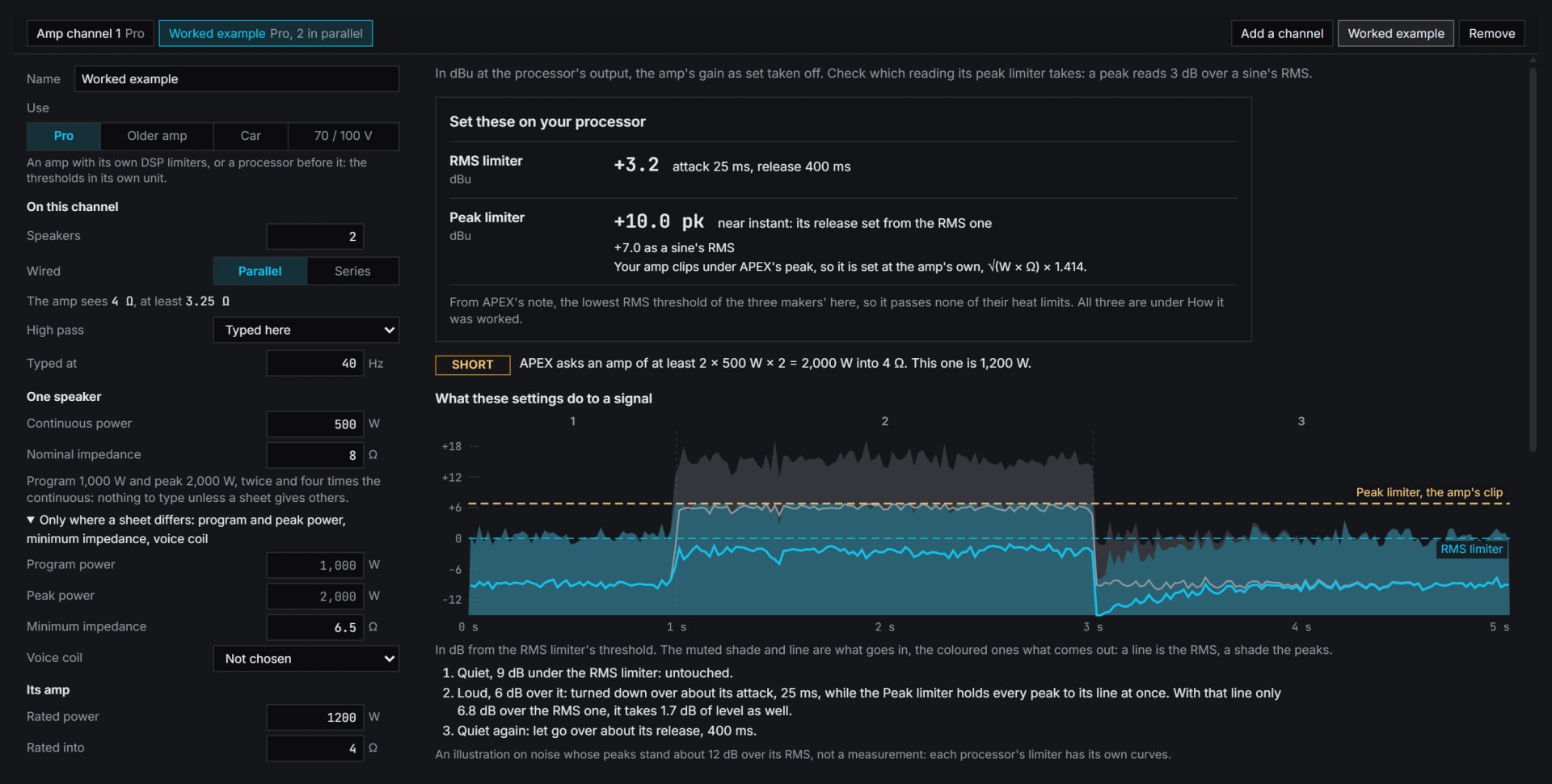
With Pro, RMS and peak limiter thresholds and times from a driver's and an amplifier's ratings, by three makers' published notes.

  • In your processor or amplifier units, each figure with what it was worked from
  • A check of the settings on the rig, step by step
  • Professional amps with DSP, older amps, car audio, and 70 or 100 V lines
Align's Speaker limiter with the worked example: the RMS and peak limiter settings to set on the processor, worked from the driver's and the amplifier's ratings, and what they do to a signal.
Speaker limiter
  • Auto Phase, and Tools, Auto crossover

    Align the bands

    With Pro, Auto Phase finds the delay and polarity where two bands overlap and offers an all-pass where those cannot, and Auto crossover ranks crossovers between two channels.

  • EQ's Filters tab, and the Target

    Your filters and targets

    With Pro, peaking, shelves, high and low pass and all-pass beside the automatic EQ. Targets Flat, X-Curve gentle, House Curve, Outdoor curve or Custom, with LF boost, tilt and HF roll-off, split per band at 2 to 4 way, each band with its own level.

  • EQ's FIR tab

    FIR for the processor

    With Pro, an FIR at your processor's own taps and rate, made from the EQ, that can correct the speaker's own phase too.

  • Impulse

    Impulse and room

    With Pro, a log sweep impulse, distortion from the same sweep, EDT, T20 and T30 per octave, C50 and C80.

  • SPL

    Level and the show log

    SPL in A, C and Z, Fast and Slow, three Leq at once, LCpeak, LZpeak and the crest factor; with Pro, the show log: a moving 15 minute LAeq and a one page report.

  • File

    Files that travel

    With Pro, text traces and target curves in, target curves and filter lists out, and a session file you can open again.

Start with the free RTA and SPL meter.

Both open in your browser with no account, and no audio leaves it. To measure through an audio interface, use Chrome or Edge on a computer. Pro adds the transfer function, EQ and every other tool.