
Lining up a sub and a low mid with Auto Phase
Auto Phase lines up a sub and a low mid from two traces. It finds where the two overlap and works out the delay that makes them add up.
1:42 video
The working
In this example:
Overlap found: 69.5 to 137 Hz
Sub delayed by 0.61 ms
Just 0.1 dB of sum loss, so the two add up almost perfectly
It suggests. You decide. Set the delay on your processor, then measure again to check the sum.
Available in 6 languages: English, Spanish (Español), Portuguese (Português), French (Français), Japanese (日本語) and Korean (한국어)
Use it in Chrome or Edge, or install it on your PC like an app
More questions
 0:59See what your sound system is doing, then fix itMeasure, align and EQ a sound system in Chrome or Edge, or install Align on your PC like an app.
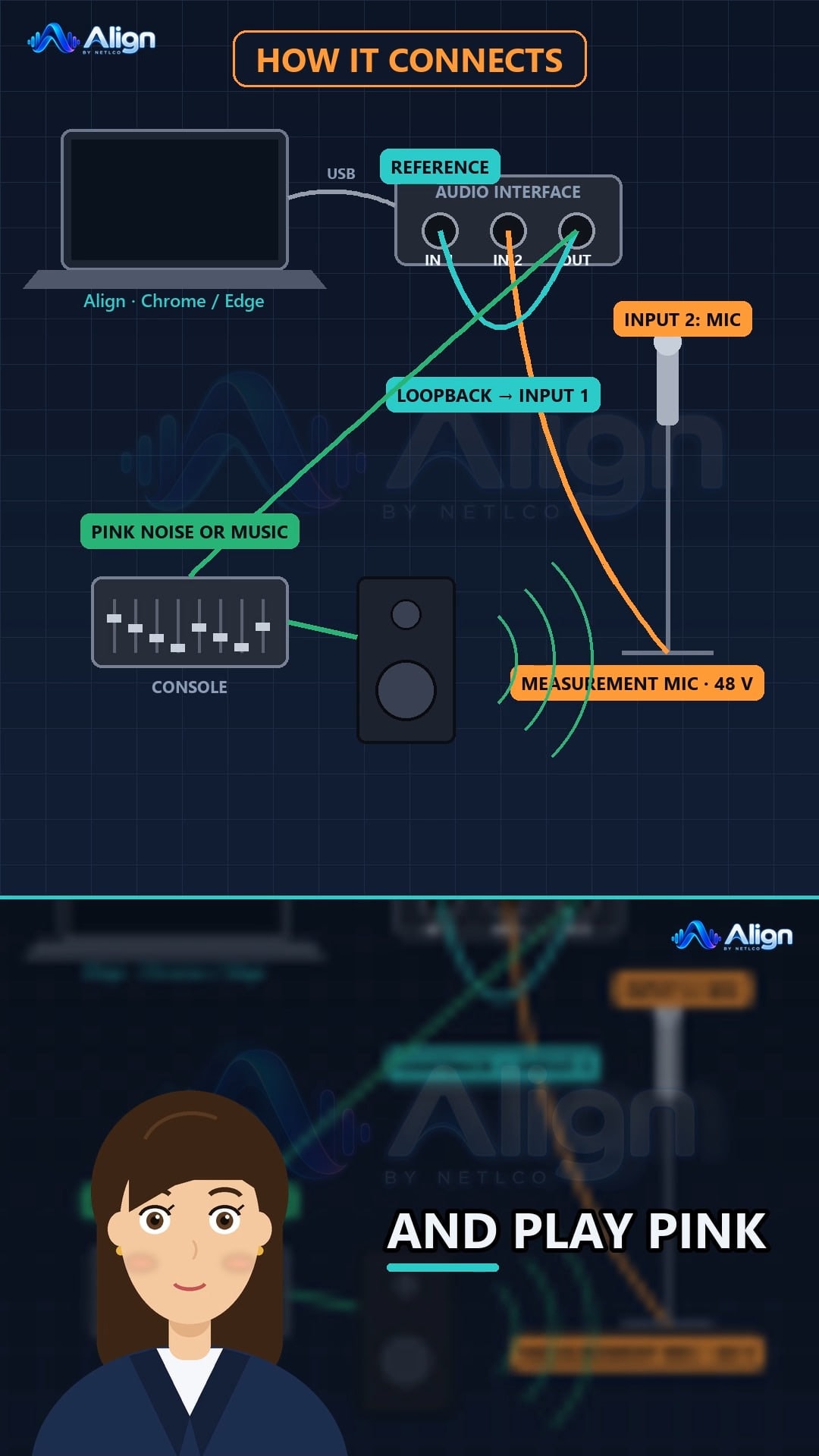 0:57A whole measurement rig in one appRuns in Chrome or Edge, or installed on your PC.
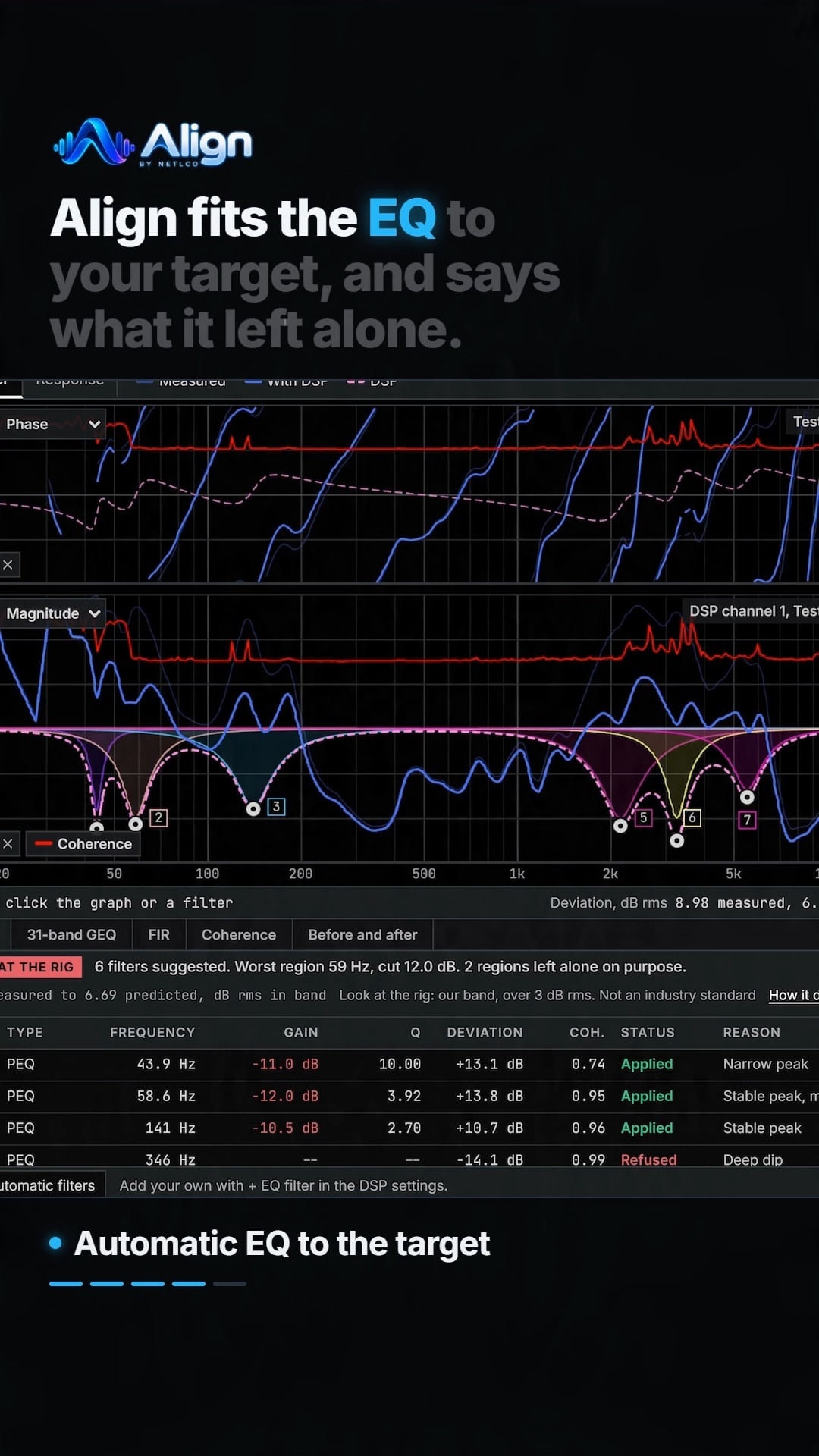 0:30What Align does, in one minuteOpen it in Chrome or Edge on a computer, connect your interface and measurement mic, and measure, align and EQ your system. What you measure stays on your computer.
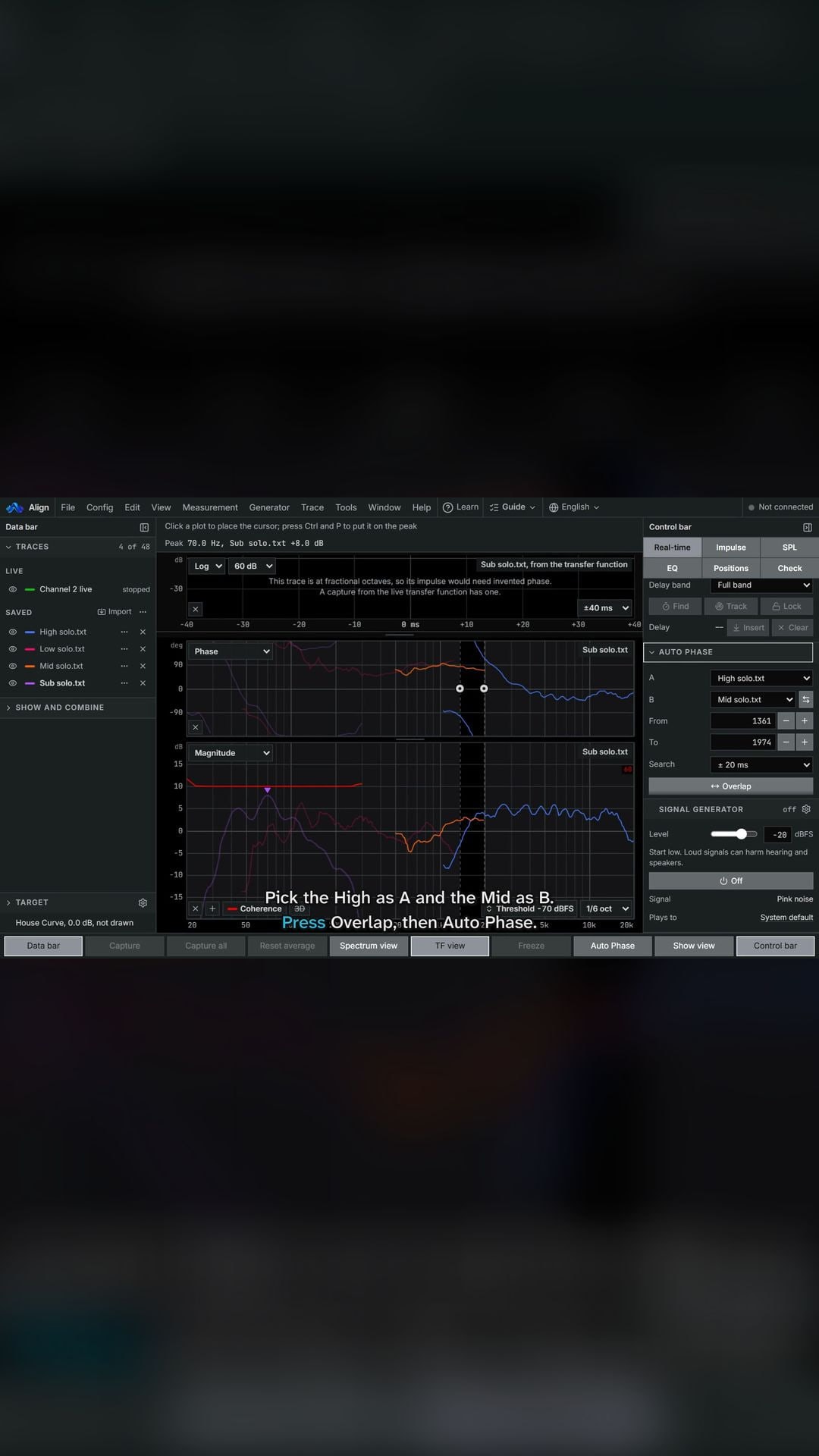 2:19A full 4 way tune by hand, start to finishAuto Phase pair by pair, each delay into its DSP channel, EQ each band. Auto EQ comes last, with the whole system playing live.