
FIR
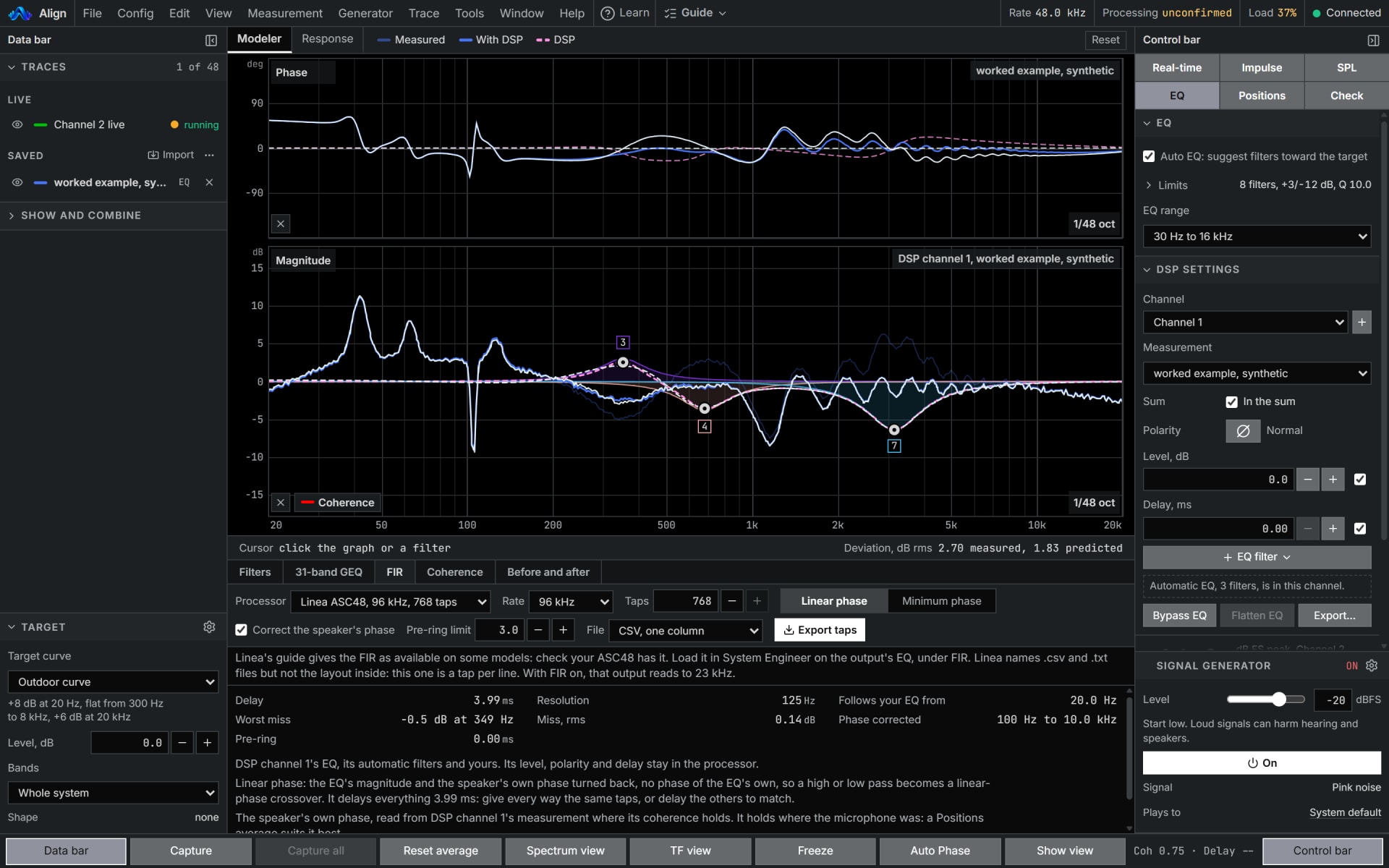
An FIR at your processor's own taps and rate, made from the EQ, that can correct the speaker's own phase too.
Inside Align: EQ's FIR tab
How to use it
- 1
Make the EQ
Fit the EQ first: the FIR is made from it.
- 2
Set the processor
On EQ's FIR tab, set your processor's taps and rate.
- 3
Choose the phase
Turn on Correct the speaker's phase, read the range it corrects and the pre-ring it costs, and hold the pre-ring down where you need to.
How Align works it out
What it computes and how, each line read off the code the tool runs.
The EQ's response is read on a grid at least sixteen times as long as the filter, turned into an impulse by an inverse FFT, cut to your taps and tapered at its ends.
Linear phase keeps the EQ's magnitude only and delays everything by half the filter's length. Minimum phase keeps the EQ's own phase and adds no delay.
A filter cannot follow detail finer than about its rate divided by its taps, 23.4 Hz for 2,048 taps at 48 kHz, so the result is compared with the response wanted and the miss is shown.
Correct the speaker's phase reads the excess phase: the phase as measured, less the minimum phase of the level as measured, less the travel. It smooths that to a third of an octave and raises the bottom of the corrected range until the pre-ring fits your limit.
Reference: Cecchi, Carini and Spors, Room Response Equalization: A Review, Applied Sciences 8(1) 16, 2018, the split into a minimum-phase part and an excess phase.
What you need
- A processor that takes FIR filters
- An EQ to make it from
- Pro
Learn it
Training teaches the measurement from the rig up, free to read with no account.
Lesson 6, CorrectQuestions
- What is pre-ring?
- Sound an FIR puts out before the main arrival when it corrects phase. The tab says how much, in ms, and holding it down narrows the range it corrects.
- Does it need a measurement?
- It is made from the EQ, and the EQ from a trace, captured live or imported as text.