
How to install Align and use it with no internet
Install Align from Chrome or Edge and it gets its own icon. To use it with no internet, keep it on the computer while online: the free RTA and SPL meter with no account, or the whole of Align with Pro, from Config, then Offline.
What you need
Free- Chrome or Edge on a computer
- The internet once, to install Align and keep it on the computer
- No account for the free RTA and SPL meter
- Pro, signed in, to keep the whole of Align
Worked example: Keep Align on the computer at the office, then drive to a venue with no internet. Align opens from its icon and measures there for up to 30 days. Back online, the next time Align opens the pass renews. A Pro account keeps Align on 2 computers at most, such as a laptop for front of house and a desktop.
Step by step
- 1
Install Align as an app
Open align.netlco.com in Chrome or Edge on your computer. In Chrome, press the install icon at the right of the address bar, or open Chrome's menu at the top right and choose Cast, save, and share, then Install page as app. In Edge, press the App available icon in the address bar, or open Edge's menu at the top right and choose More tools, then Apps, then Install this site as an app. Align then opens from its own icon.
- 2
Free tools: press Keep offline
While online, open the RTA page or the SPL meter page and press Keep offline above the meter. No account is needed.
- 3
Switch on Keep the free tools on this device
Switch on Keep the free tools on this device and wait until it reads On. The free RTA and SPL meter pages then open and measure with no internet, and each time one opens online it saves what has changed.
- 4
Open the free tools with no internet
In Chrome or Edge, go to the RTA page or the SPL meter page as usual. With no internet the Align icon will not open Align without Pro: right-click the icon, or press and hold it on Android, and choose Free RTA or Free SPL meter.
- 5
Pro: open Config, then Offline
Sign in to your Pro account while online, then choose Config, then Offline in the menu bar. The first time the installed app opens, it opens Config, then Offline by itself, once.
- 6
Switch on Keep Align on this device
Switch on Keep Align on this device. It asks for your password once, then saves Align on this computer. When it reads On, it names the day its pass ends and how much it keeps on the computer.
- 7
Open Align with no internet
Open Align from its icon, or open align.netlco.com as usual: it opens and measures with no internet until its pass ends, 30 days at most after the pass last renewed. Each time Align opens online the pass renews and what has changed is saved.
How you know it worked
- The switch reads On. With Pro it names the day the pass ends; for the free tools it reads that the free RTA and SPL meter open and measure with no internet.
- Turn the internet off and open Align, or a free tool, the way you will on site: it opens and measures, and the switch reads "No internet now: Align is running from this device."
- Your sessions and saved traces stay on the computer either way, online or not.
When it goes wrong
- The switch says Align cannot be kept offline here
- Keeping Align needs a secure (https) page with service workers. Open https://align.netlco.com in Chrome or Edge and switch it on there.
- On, but some files did not save
- With Pro, Align saves them the next time it opens online. For the free tools, switch off and on again while online.
- With no internet, the Align icon will not open
- Without Pro the icon opens Align only online: right-click it, or press and hold it on Android, and choose Free RTA or Free SPL meter. That menu is there in Chrome and Edge 96 or later, Chrome on Android 84 or later and Safari 17.4 or later on a Mac. Firefox, an iPhone and an iPad have no such menu, so the icon cannot open the free tools there.
- "This account has both its PCs."
- Pro keeps Align on 2 computers at most. One must be removed before another signs in: contact Align's support from the Contact page.
- The pass ended with no internet
- Align opens offline only until its pass ends. Connect to the internet and open Align: the pass renews and Align opens offline again.
- On a Mac, Align from Safari does not use the interface's separate channels
- Align added from Safari cannot reach an audio interface's separate channels. To measure live from one on a Mac, install Align from Chrome or Edge.
The tools and words it uses
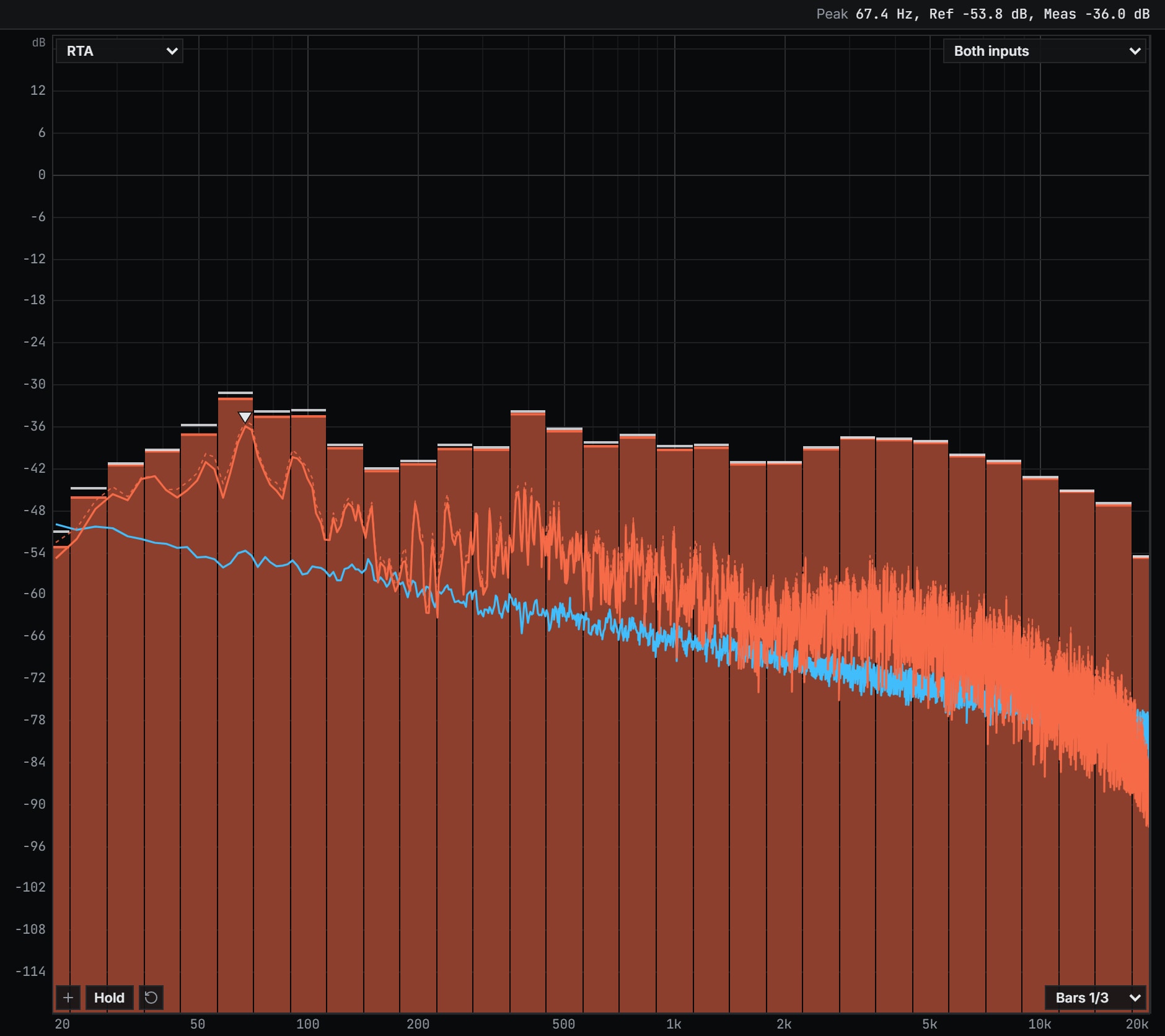
- RTAFreeThe spectrum of what the microphone hears, live: a line for every frequency, and bars from whole octaves down to 1/24 octave with a held peak above each.
- SPL meterFreeSound level in A, C and Z weighting, Fast and Slow, with three Leq at once, LCpeak, LZpeak, the crest factor and timed runs. With Pro, a show log of the moving 15 minute LAeq and a one page show report.
Words: RTA (spectrum), Trace, Interface.
More guides: Tune a sound system on Free, Find the delay between speakers, Read A and C weighting, Tune a car audio system, Tune a church sound system, Time align a sub to the mains, Calibrate the SPL meter, Measure reverberation time, EQ without over-correcting, every guide.